Microsoft is now establishing file-sharing support between iPhones and its Windows 11 or Windows 10 PCs. Users will be able to connect the devices with the brand’s Phone Link app and Link to Windows app to enable the function. Currently, the feature is available to Windows Insiders users for testing purposes.
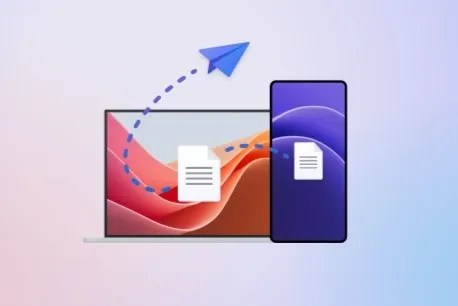 Microsoft has not shared other details about the iPhone to Windows file-sharing feature, just installation instructions. To use this function, you must install the previously released Phone Link for iOS app. Microsoft made the Phone Link for iOS app available last spring enabling iPhone users to receive phone calls, send and receive text messages, view notifications, and access contacts directly on Windows PCs.
Your device will prompt you to install Phone Link for iOS if it’s not already installed on your desktop. If Phone Link for iOS is already enabled on your device, you can proceed with file-sharing setup by adding the following file to your PC aka.ms/addAccount.



 Dispatches From The Front