Apple’s iMessage isn’t as universal as some of the best messaging applications, but as a default app, it’s exceedingly popular, and could be considered one of the best Mac apps. It’s an Apple-exclusive app, however, so getting it working somewhere else isn’t easy. Fortunately, though, there are some tricks you can use to get iMessage working on Windows. Here’s how to do it.
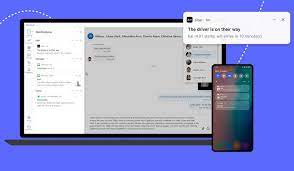 How to use iMessage on Windows using Phone Link
You can connect your iPhone with Windows through the Phone Link app, giving you quick and easy access to iMessage from your PC. Keep in mind, iMessages sent on your iPhone before you set up Phone Link won’t sync to your PC. Only the messages you’ve sent using your PC after you linked your iPhone to Windows will show up. First messages from first-time senders also will not sync.
 Dispatches From The Front